Design visually
Place controls, organize containers and set resizing rules. Move directly from a selected control to its event handler.
Explore the Designer → McBasic™Get McBasic™ ↗
Bring your ideas to the desktop. Design the interface, write the behavior, and create apps for Mac, Windows and Linux — from one focused Mac workspace.
A visual Form designer. Real source code. A toolkit you can grow with.
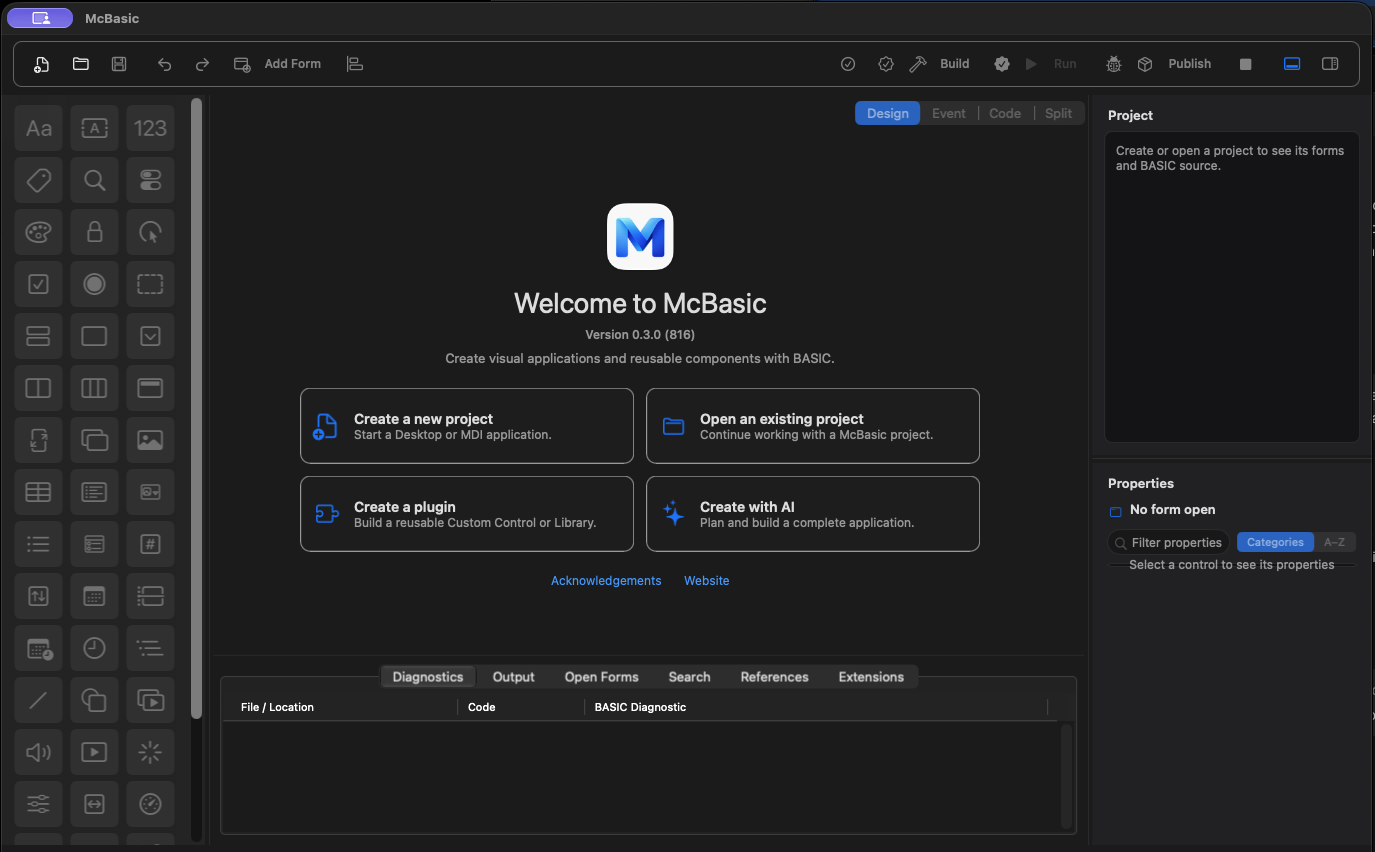
From the first button to a data-driven desktop tool, keep the interface and its behavior within reach.
Place controls, organize containers and set resizing rules. Move directly from a selected control to its event handler.
Explore the Designer →Start with a small event. Add typed values, functions, modules and classes when your application needs more structure.
Meet the language →Use local SQLite databases, parameterized queries, migrations and binding to turn records into a working interface.
Work with data →Call HTTP services, parse JSON and download files asynchronously. Keep progress, failure and cancellation visible.
Connect your app →Export desktop apps for Mac, Windows and Linux. Understand the native services and current limitations.
Explore export targets →Import a VB6 project, review its migration report and finish the behavior with readable BASIC.
Explore migration →Catch diagnostics, run declared tests and debug BASIC. Keep source changes in Git and prepare a reproducible build.
Check, test and debug →Compose reusable controls and BASIC libraries, or implement components with the C# SDK and explicit package contracts.
Explore the SDK →Give a button a name, connect its Click event and write the response. This is the greeting handler from our first-app lesson.
Learn the complete workflow — exact Inspector values, event bindings, source files and checks — then make it your own.
Follow the complete tutorial →Private Sub cmdGreet_Click()
Dim name As String
name = Trim$(txtName.Text)
If Len(name) = 0 Then
lblGreeting.Caption = "Enter a name."
Exit Sub
End If
lblGreeting.Caption = "Hello, " & name
End Sub52 built-in components. Familiar Toolbox icons. Documented properties, event parameters and methods.
Learn a technique in isolation, then bring the pieces together in an application.
A Form, an input and a working button. Build it with exact properties and complete event code.
Build step by step →Work with dataFollow the path from a user action to a local database, with editing, selection and validation.
Explore the project →Connect & respondKeep your interface usable while a file downloads. Show progress and support cancellation.
Follow the workflow →Give shared logic a clear public API and a package your projects can consume.
Author a library →Compose an interface and expose the contract its consumer needs.
Choose an extension →Implement the lifecycle and host contracts behind your own components.
Read the SDK →Use LM Studio locally or a configured remote provider. Inspect context and review proposed changes.
Understand the workflow →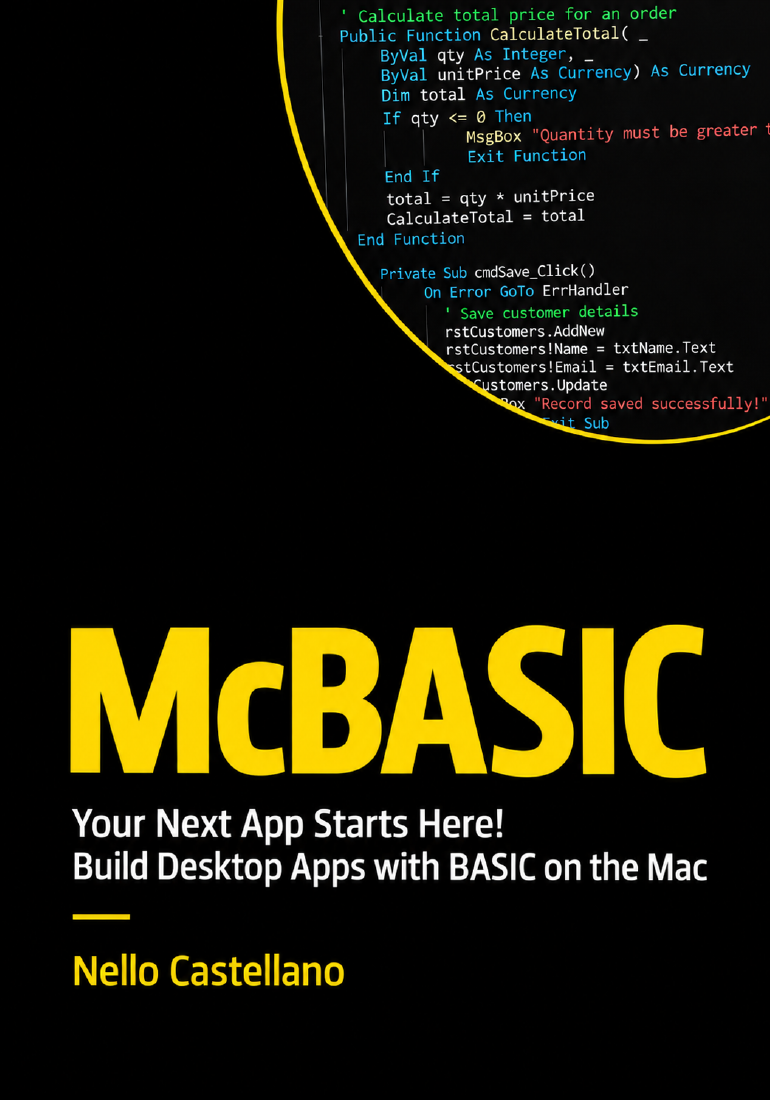
Keep a practical guide beside your project. Download the English PDF or find the printed book on Amazon.
McBasic™ will be available through the Mac App Store.
In the meantime, explore what you can build.
 TextBox
 DataGrid
 TreeView
 TabControl
 DatePicker
 ValidationProvider